Wedding galleries guests actually open.
Upload the shoot or bring it in from Google Drive. Send one link and a PIN on WhatsApp. Guests see every photo on their phone in seconds: no app, no sign-up maze.
No card needed. Sign in with Google and make your first gallery in minutes.
2,000 beautiful photos shouldn’t end up as a Drive link nobody opens.
A shared folder
- Asks guests to sign in, or opens to a wall of file names
- Haldi, mehendi and reception all in one long scroll
- Anyone with the link can see everything, forever
- Your name is nowhere on it
A Frameline gallery
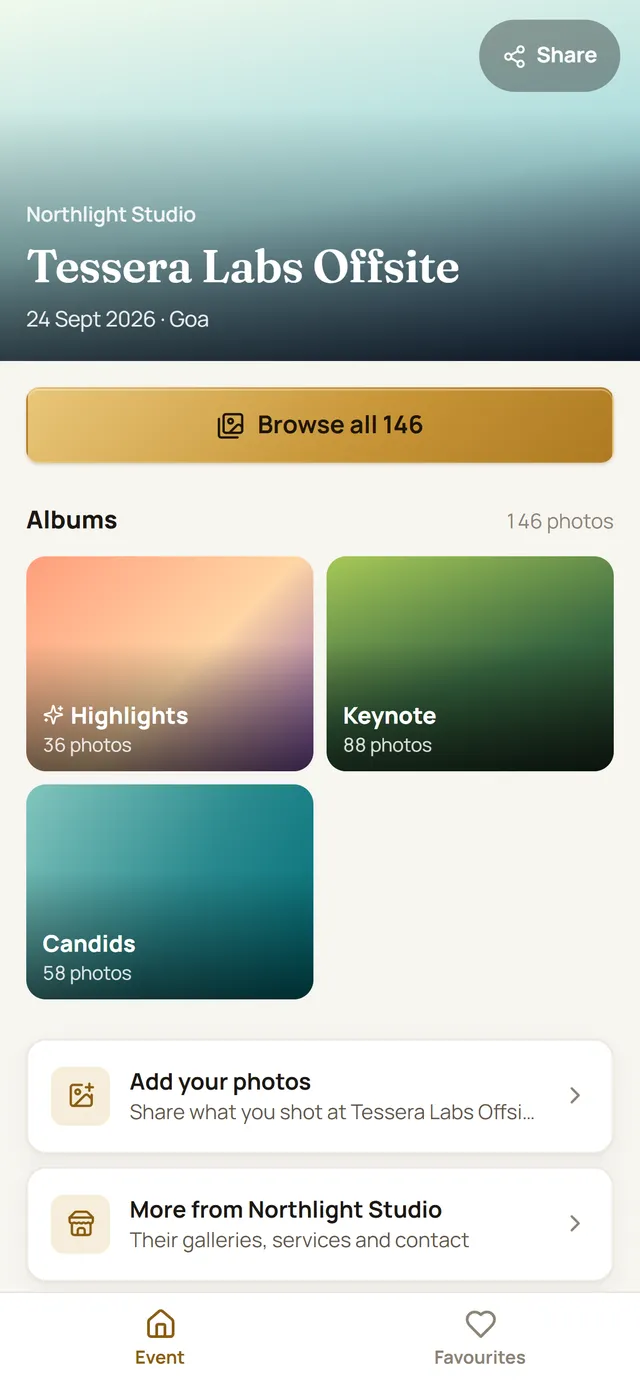
- Opens straight to the photos on any phone
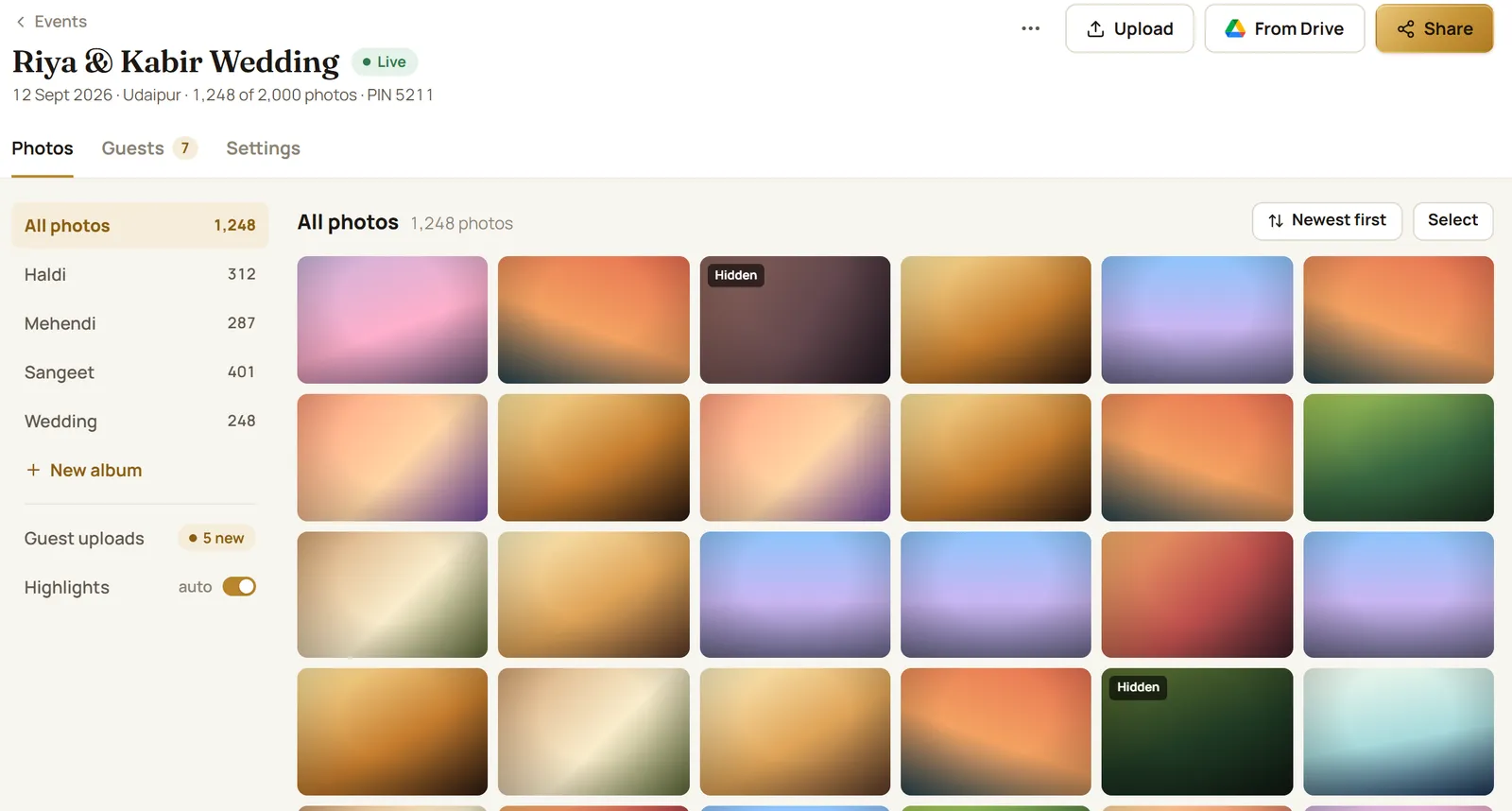
- An album for each function, plus highlights
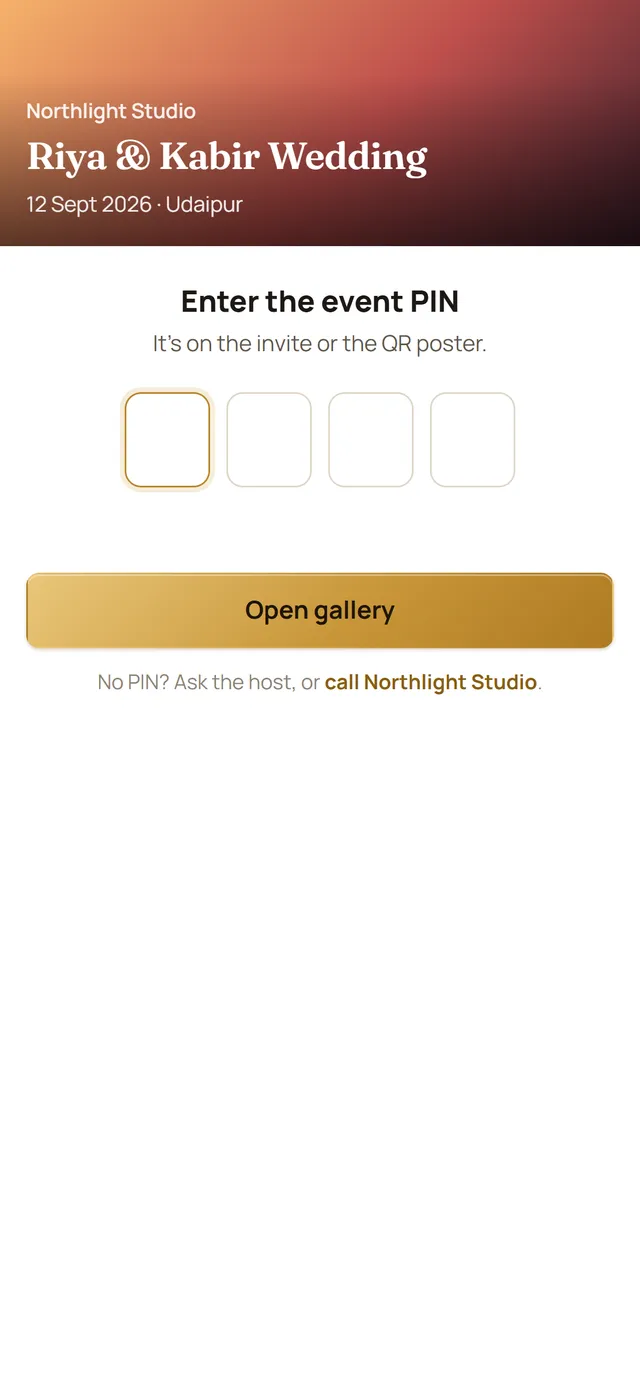
- A PIN, and you choose who can download what
- Your studio name, cover and watermark on every gallery
From the last photo to every guest’s phone in three steps.
Create the event
Name, date and city. Pick who it’s for (the family only, or every guest) and Frameline sets the privacy for you.
Add the photos
Drag in the shoot from your computer, or pick folders from Google Drive. Each folder becomes an album. Photos show up for guests as they land.
Share once
Send the link and PIN on WhatsApp, or put the QR poster at the venue. Guests open it, browse and download.
Every event, on one calm screen.
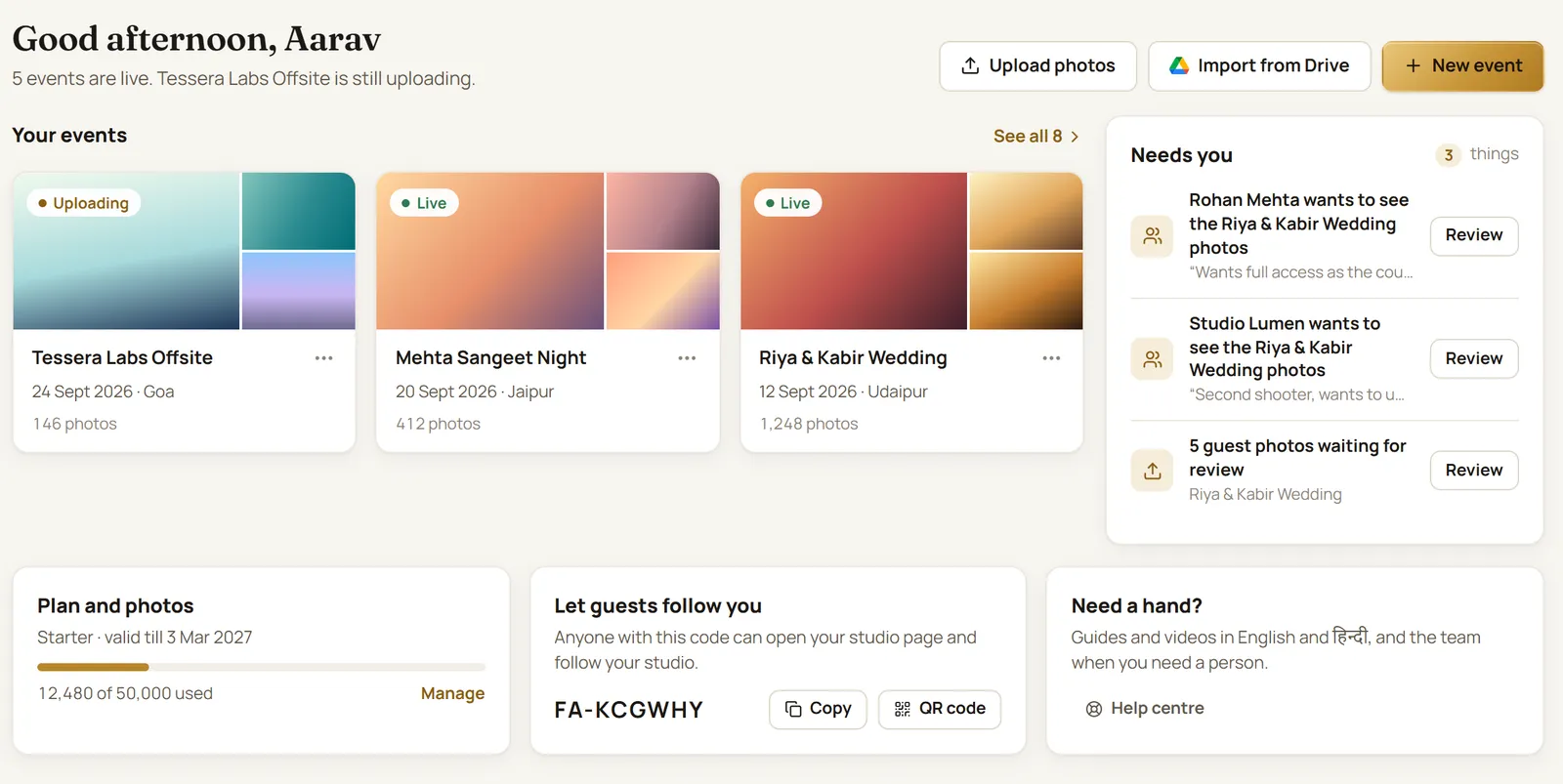
See what’s live, what’s still uploading and what needs you, like guest photos waiting for your OK.
- Upload thousands of photos straight from the browser
- Albums per function, highlights picked for you
- Your team adds photos too: editors and upload-only shooters
Already in Google Drive? Bring it straight in.
Pick folders in Google’s own window; Frameline copies the photos and turns each folder into an album. Nothing to download and upload again.
- Haldi/, Sangeet/, Reception/ become three albums
- Or keep the full-size files in your own Drive
- Frameline only sees the files you pick
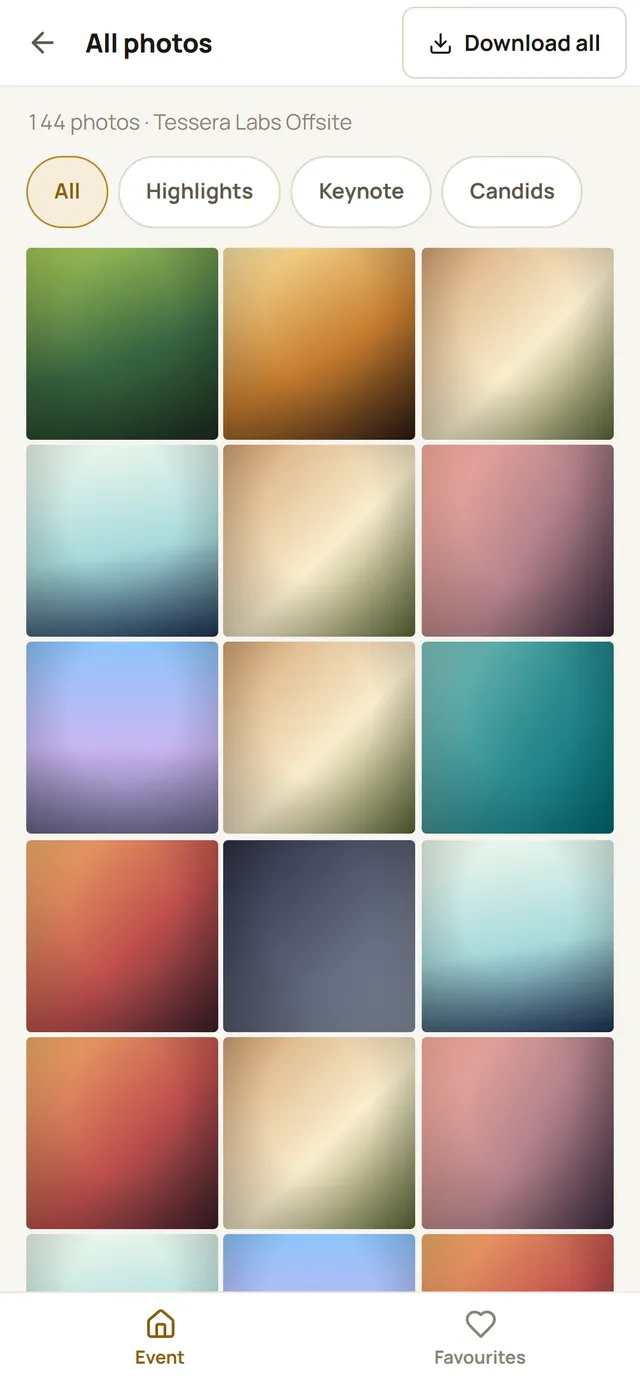
A gallery that feels like it was made for their phone.
Because it was. Guests tap the link, type the PIN and they’re in, in a browser they already have.
- Albums, favourites, and download the photos they love
- Download a whole album at once
- Guests can add their own photos for you to approve
The small things that make a studio look big.
PIN and privacy
Each gallery has its own PIN. Change it any time; guests already inside stay in.
Your watermark
Your logo on every guest download, placed where you want it.
QR poster for the venue
Print it for the welcome desk. Guests scan and land on the gallery.
Download controls
Let guests save web-size or full-size photos, whole albums, or nothing at all.
Guest uploads
Guests share what they shot on their phones. Nothing shows until you approve it.
Guest list
Ask guests for a name and phone number before they browse, so you know who came.
Your team
Invite editors and second shooters. Upload-only roles can’t delete or share.
Reports
See how many guests opened each gallery, so you know which ones land.
Your studio page
Your name and cover on every gallery, and a page guests can follow.
Already run your studio on Studio AutoPilot?
Frameline lives right inside it. Make a gallery from a project, open it without signing in again, and see when photos land, all next to your enquiries, shoots and payments.
About Studio AutoPilot →- One click from a projectCreate gallery on the project; it opens ready to upload.
- Drive imports includedStudio AutoPilot’s Pro and Studio Max plans cover Google Drive galleries.
- Still works on its ownStudios without Studio AutoPilot use Frameline just the same.
Pay for the photos you keep, not per gallery.
Every plan has unlimited events. Pick by how many photos you keep at once.
Try it free for 14 days
Up to 50,000 photos, every feature, no card. Keep your galleries when you pick a plan.
Message us on WhatsApp and our team sets your plan up. Need more photos or a custom plan? Just ask.
Things studios ask us.
Do guests need to install an app or make an account?
No. The gallery opens in the phone’s browser. Guests type the PIN you shared and they’re in. You can ask them for a name and phone number first if you want to know who visited.
Can I bring in photos that are already in Google Drive?
Yes. Connect Google Drive once, then pick folders or photos in Google’s own window. Each folder becomes an album. Frameline only sees the files you pick. You can also keep the full-size files in your own Drive.
Will my photos lose quality?
Guests browse a sharp 2048 px copy that loads fast on mobile data. Your originals stay as you uploaded them, and you decide whether guests can download them full-size.
How long does a gallery stay open?
A year from the event date (or from when you create it, for an event already past). After that you can renew it for another year in one click.
Can guests download every photo?
You choose, per event: web-size, full-size, whole albums at once, or no downloads. Downloads carry your watermark if you turn it on.
What happens after the free trial?
Message us on WhatsApp and we set up the plan that fits. Your galleries stay open either way.
Deliver your next wedding on Frameline.
Sign in with Google, make a gallery and send it to the couple tonight. Free for 14 days.